Aruba ED Card confirmation email: how long it takes and what to do if it doesn’t arrive
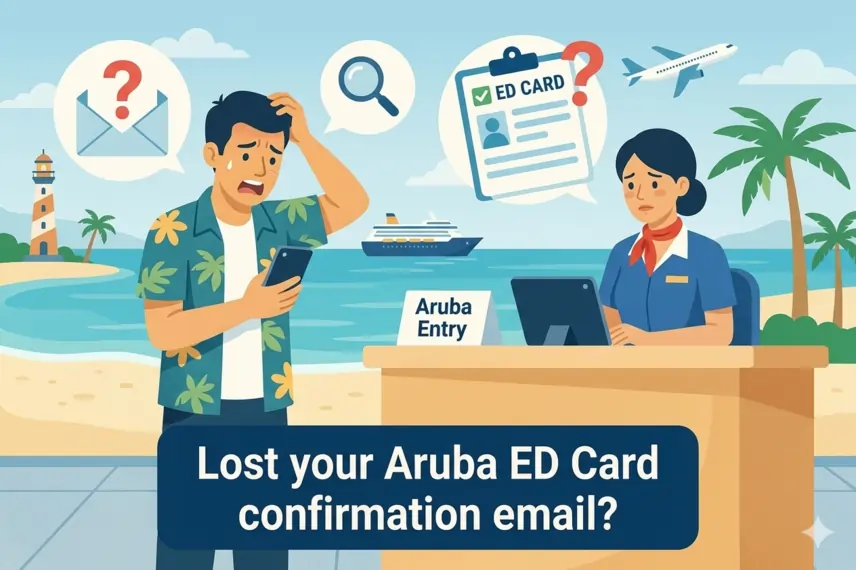
After completing the Aruba ED Card you will receive a confirmation email with the approval of your registration (usually identified with a green check).
This document confirms that you completed the pre-travel process and must be shown in digital or printed format before boarding. In most cases the email arrives within 30 minutes, but if you don’t receive it, here’s what to do to fix it.
How long does the Aruba ED Card confirmation email take?
Normally, the confirmation email is received:
- Within a few minutes
- Automatically after completing the form
- After correctly finishing the process
In some cases it may take:
- Up to 30–60 minutes
- A few hours during high demand periods
If it takes longer, you should check if there was any issue. Keep in mind that if you fill out the form too early, you will not receive it until the official submission period is active.
What the ED Card confirmation email contains
The confirmation email usually includes:
- Approval status
- Traveler details
- Flight information
- Accommodation confirmation
- QR code or registration proof
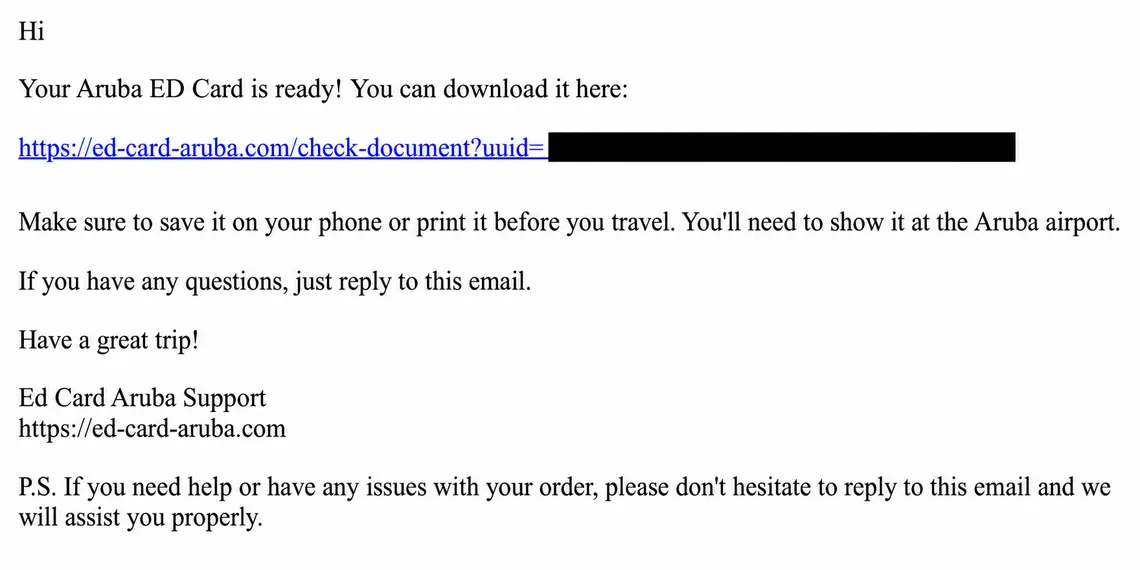
What does the "Green Check" mean and why is it important?
The most important element is the approval confirmation. The green check in the confirmation email is the visual proof that your registration has been processed and approved.
- It indicates that your immigration data is valid.
- It is the document the airline will request before issuing your boarding pass.
- It contains the QR code that will be scanned upon arrival at Queen Beatrix International Airport.
5 Reasons why you don’t receive the email (and how to fix it)
If the email doesn’t appear, the problem is usually one of the following:
Spam folder (the #1 culprit)
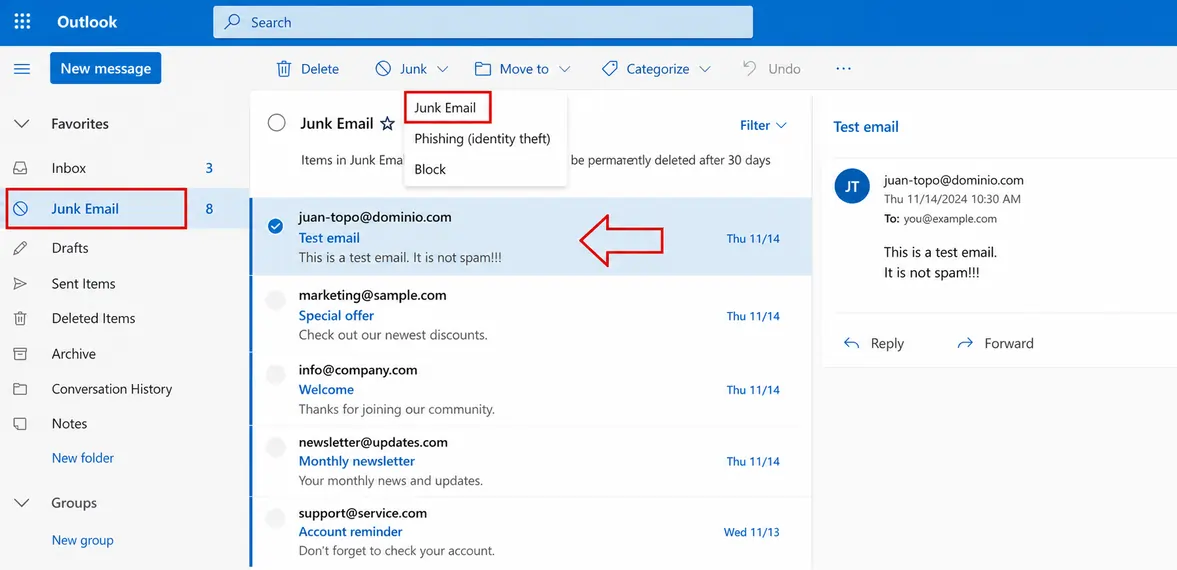
Since it is a mass and automated email, many providers (especially Hotmail and Outlook) classify it as junk mail. Also check the "Promotions" tab.
- Go to the "Spam" folder.
- Select the email in question.
- Click the "Not spam" option in the menu
Typo in the email address
A simple .con instead of .com or a misplaced letter will prevent the email from reaching you, even if the registration is approved in the system.
If you made a mistake in the email when applying for your ED Card, the safest option is to submit a new application with the correct details to ensure you receive the official confirmation.
Incomplete form
If you closed the window before seeing the final confirmation screen, the process may not have completed and the email was never triggered.
System overload
During peak seasons, the immigration server may take up to 1 hour.
Server blocking
Some corporate email systems or strict firewalls block automatic emails from foreign government domains.
If you have already completed the form but did not receive the email, or if you have a document and are unsure whether it is the official Green Check for 2026, don’t take risks at the airport counter. We have enabled an exclusive tool so you can verify it in seconds if you applied with us: Check your Aruba ED Card status here
Official steps to recover ED Card confirmation
If you’ve checked Spam and still have no news, you have these options:
Official email inquiry
You can write directly to Aruba immigration authorities at: [email protected]. Explain your case and include your passport number and full name. They usually respond during island business hours.
Manual verification
Try accessing the official portal again to see if you can download the confirmation using your travel reference number.
Our added value: If you have any issue or do not receive the QR code, contact us first and we will handle it for you.
Do I need to print the confirmation email?
No, it’s not mandatory. You can show the PDF on your phone or a clear screenshot. However, make sure you have enough battery; without the QR code, the entry process will be stopped.
Tips to avoid losing your ED Card confirmation
After receiving the email, it is recommended to:
- Save the email
- Download the document
- Take a screenshot
- Save it offline
- Send it to another email as backup
This helps avoid issues on the day of your flight.
Don't risk your entry to Aruba over a form error.
Get personalized help to complete your ED Card correctly.
Frequently Asked Questions about what to do if you don’t receive ED Card confirmation